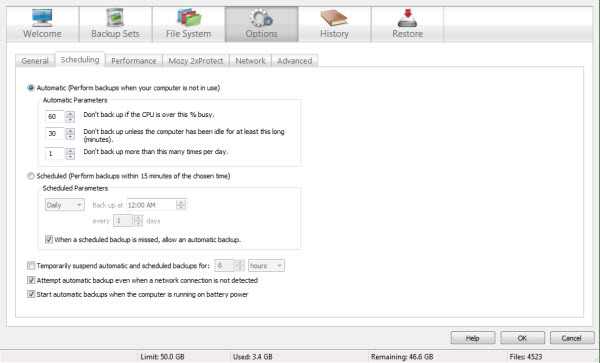
By default, your files back up automatically when your computer usage falls low enough. You may instead set a schedule for your backups, and you may back up manually any time you wish.
You may manually pause any backup in progress. This might be a good idea if you are planning to shut down your computer, so that the process pauses cleanly rather than being abruptly interrupted.
You may also temporarily suspend automatic and scheduled backups. You might want to do this if you are having work done on your computer. While automatic or scheduled backups are suspended, you may still back up manually any time you wish.